
Winshark Casino Login
Access your account in seconds and start playing your favorite games today.
Games at Winshark Casino


Full Game Catalog



Access your Winshark Casino account in less than two minutes with the right steps. You sign in using your email and password, and the site runs on any mobile browser for CAD accounts. Should anything go wrong, the solutions below tell you what to do and what comes after.
How to Log In: Step-by-Step
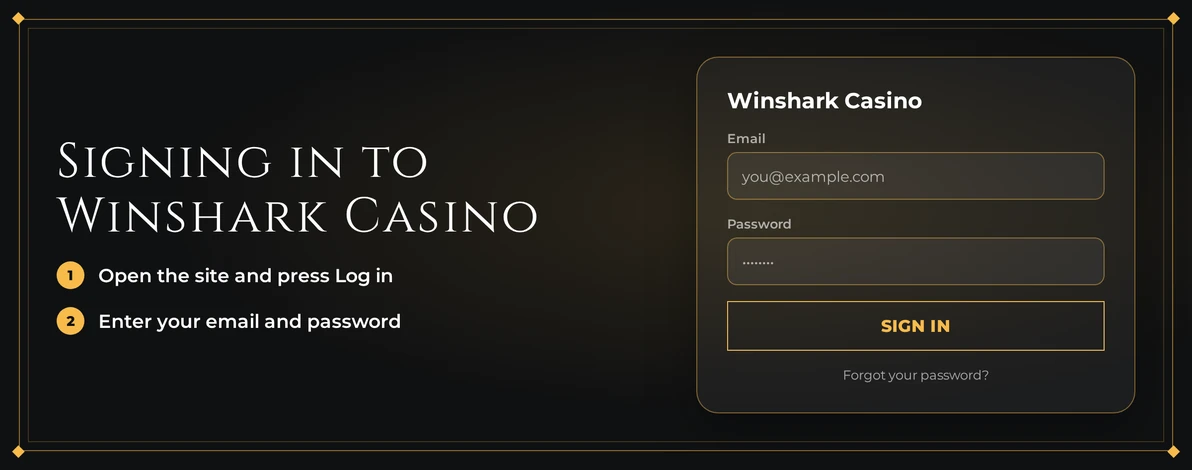
On desktop or mobile, just follow these steps:
Go to the Winshark Casino website in your browser.
Click the Log In button.
Type in the email and password from your registration.
Finish the sign-in by email if the casino requires it.
Enter the lobby and begin playing.
Winshark Casino skips standard two-factor authentication. You get in with your password and e-mail confirmation, meaning there are no authenticator or text-message codes that could go wrong.
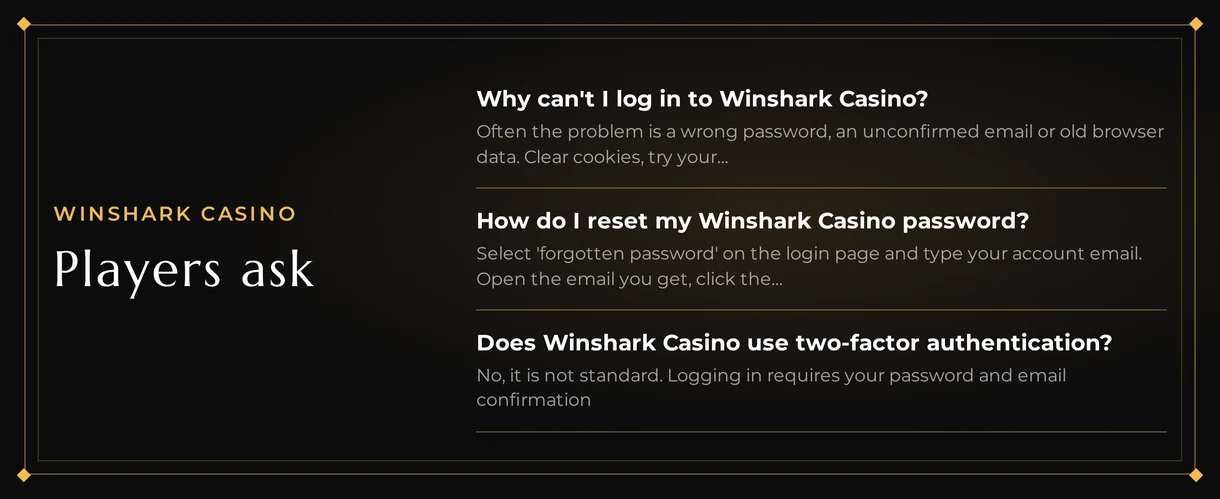
When the confirmation email is missing, start by checking your spam folder. Next, ensure you're using the precise address tied to your account, then ask for a fresh message. A typo in the address is often why a confirmation fails to appear.
Login Problems and Fixes
Many access problems have just a few sources. Find your issue in the table and apply the corresponding solution.
| Problem | Likely Cause | Quick Fix |
|---|---|---|
| Wrong password message | Typing error, caps lock or an old password | Retype slowly, then reset the password |
| Confirmation email missing | Spam filter or wrong address | Check spam, confirm the address, request a new email |
| Login page keeps reloading | Old cookies or cached data | Clear cookies and cache, then sign in again |
| Signed out unexpectedly | Session ended | Log in again with your email and password |
| Account locked | Repeated failed attempts or a restriction | Contact live chat |
| Actions blocked after login | Verification request still open | Upload your KYC documents |
To solve persistent page errors, clear your cookies. Follow this sequence:
- Go to your browser settings and locate the privacy or history section.
- Choose cookies and cached images or files.
- Clear them for Winshark Casino, or clear all data if you're not sure.
- Shut the browser fully and launch it again.
- Sign in once more with your email and password.
How to Reset Your Password
You handle this step yourself, with no need for support. The reset goes via the email connected to your account.
- Go to the login form and pick the forgotten password link.
- Provide the email address you used to register.
- Find the Winshark Casino email and click its password reset link.
- Choose a fresh password and confirm it.
- Go back to the login page and enter your new password.
Check your spam folder after a few minutes if no email arrives. Use the exact registered address. If you still can't find it, contact live chat.
Choose a long password that is unique to this site. To keep it secure, follow these practices:
- Combine uppercase and lowercase letters, numbers, and symbols.
- Don't use personal names, dates, or simple sequences like 123456.
- Don't store it in a browser note that others can see.
Account Locked or Suspended
A locked account requires help from support. You can't unlock it yourself from the login. You'll need to provide information to identify your account.
- Access the 24/7 live chat.
- Tell them the email address linked to your account.
- Explain what occurs when you attempt to log in.
- Carry out the steps support provides, which might involve verification.
- Sign in again once support says your access is restored.
Two types of account restrictions are trackable. The first is a pending verification request, explained next. The second is self-exclusion.
Ask customer support via email or live chat to self-exclude. Once set, you cannot lift this lock from your account. Logins remain blocked. For Ontario residents, ConnexOntario provides help at 1-866-531-2600 if gambling is no longer enjoyable. Other provinces have their own helplines.
KYC Verification
Winshark Casino requires identity verification before a withdrawal or when asked. Until you submit documents, some account features may be limited, even if you can log in. Upload the files first, then the casino will check them.
Required documents:
- You need a government photo ID like a passport or a driver's licence from your province.
- For proof of address, provide a recent bank statement or utility bill with your name and address.
- Show you own the card or e-wallet you used to pay.
To clear a pending request:
- Collect these three kinds of documents.
- Take a clear photo of each, with all corners visible and no cropping.
- Submit them using the method support provides.
- The casino will review them and let you know.
- Once approved, you can try the action again.
Logging In via Mobile App
There is no Winshark Casino app for iOS or Android. You access the site on your phone's browser, which shows a mobile-friendly version. No app store download is required.
| Device | Access Route |
|---|---|
| iPhone and iPad | Mobile browser, web app |
| Android phones and tablets | Mobile browser, web app |
| Desktop | Any current browser |
Open the casino website on your phone's browser and tap Log In. Type your email and password, then check your email for a confirmation if prompted. You must enter your login details each visit; biometrics and push alerts are not an option. Clearing your mobile browser's cache solves the same problems as on a computer.
Contact Support
When a fix does not work, support steps in. Live chat is the quickest route and runs around the clock. Support speaks English.
| Channel | Best For |
|---|---|
| Live chat (24/7) | Locked accounts, missing emails, urgent access problems |
| Self-exclusion requests and document follow-ups | |
| FAQ / help center | Quick answers on account basics |
Get these things before starting a chat:
- The email address on your account
- A screenshot or the full error text
- Your device type and browser name
FAQ
Winshark Casino accepts players aged 19 and older. Gambling should remain a form of entertainment. Set affordable limits and stop playing if you're no longer enjoying it.